
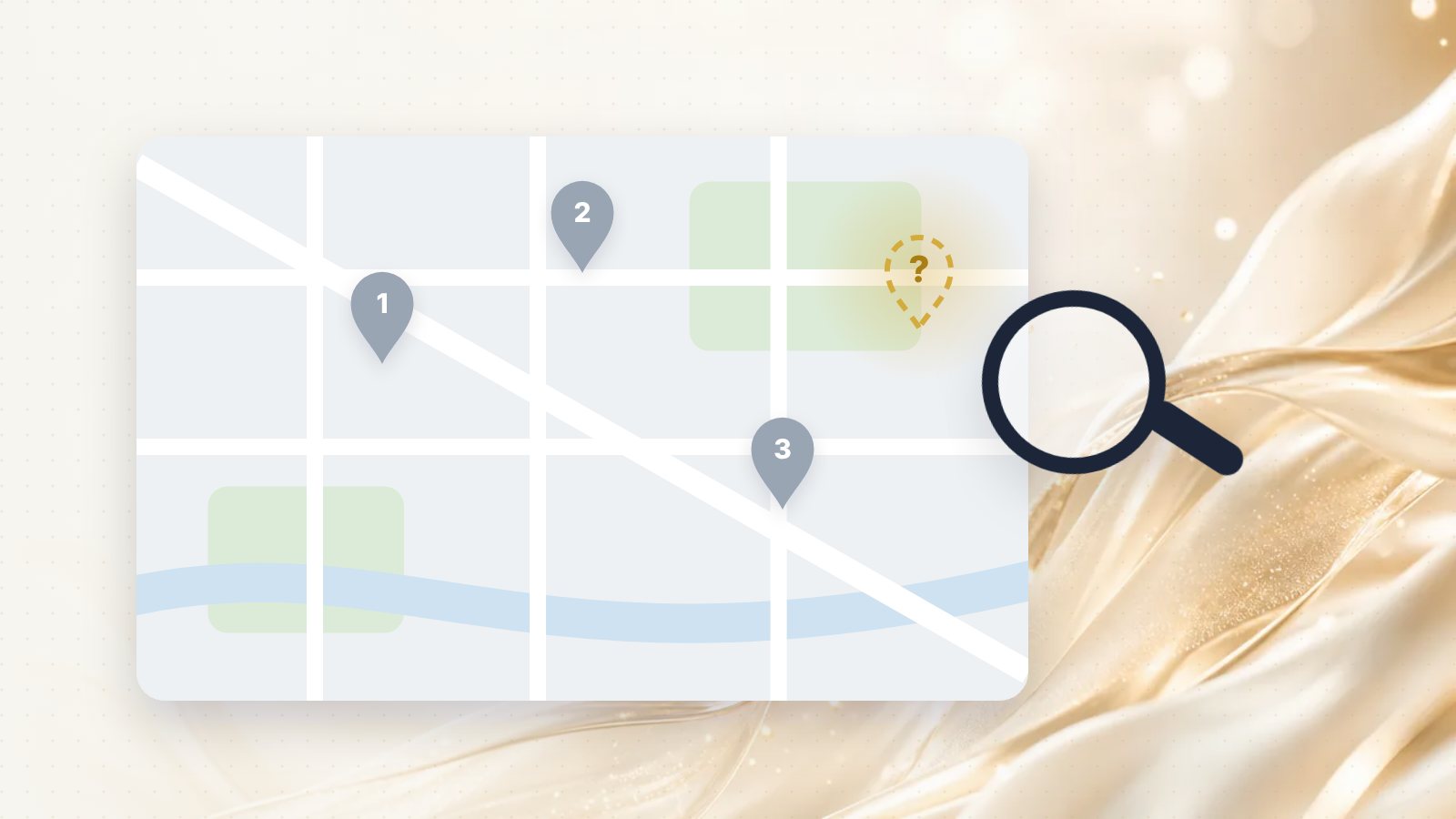
You search for what you do, in your own neighbourhood, and three competitors appear on the map. You don't. It's one of the most frustrating things a local business owner can see, and it's one of the most common questions I get.
The good news: there's almost always a specific reason, and most of them can be fixed without spending money. Here are the nine I see most often, in the order I'd check them.
First, test it the right way
Before you diagnose anything, make sure you're actually missing. Owners often test in a way that gives a misleading result:
- Searching your business name only tells you the profile exists. Customers don't search your name; they search your service.
- Searching from your own location skews the result. Maps results depend heavily on where the searcher is.
- Searching while signed in to the account that manages the profile can show you things customers don't see.
Instead, open a private window on your phone and search the way a customer would: "[your service] near me" and "[your service] [your area]". Note where you appear, if at all.
1. Your profile isn't verified, or verification is pending
Google needs to confirm that your business is real and that you're the one managing it. Unverified profiles often don't appear in search, or appear with limited information.
How to check: Sign in to your Business Profile. If it says verification is needed or pending, that's your first job. Follow the steps Google offers; methods vary by business and can include a video recording or a phone call.
2. Your profile has been suspended or restricted
Google can suspend or restrict profiles that break its guidelines for representing your business. Sometimes this happens after an edit triggers a review.
How to check: Look for a notice at the top of your profile dashboard. If there is one, read exactly what it says before you change anything else. Repeated edits during a review can make things worse.
3. Your business name is stuffed with keywords
"Ottawa Best Plumber 24/7 Emergency Drain Cleaning Kanata" is not a business name. Google's guidelines say your name should match your real-world name, the one on your sign, your invoices and your registration.
Keyword-stuffed names are one of the most common reasons for suspensions, and competitors can report them. Use your real name and put the keywords where they belong: your categories, your services and your description.
4. You have duplicate listings
An old profile from a previous address, one a former employee created, a listing from before you rebranded. Duplicates split your reviews and confuse Google about which one is real, and Google may hide one or both.
How to check: Search your business name and phone number on Google Maps. If you find a duplicate you can claim, claim it and ask Google to merge or remove it rather than leaving it to compete with you.