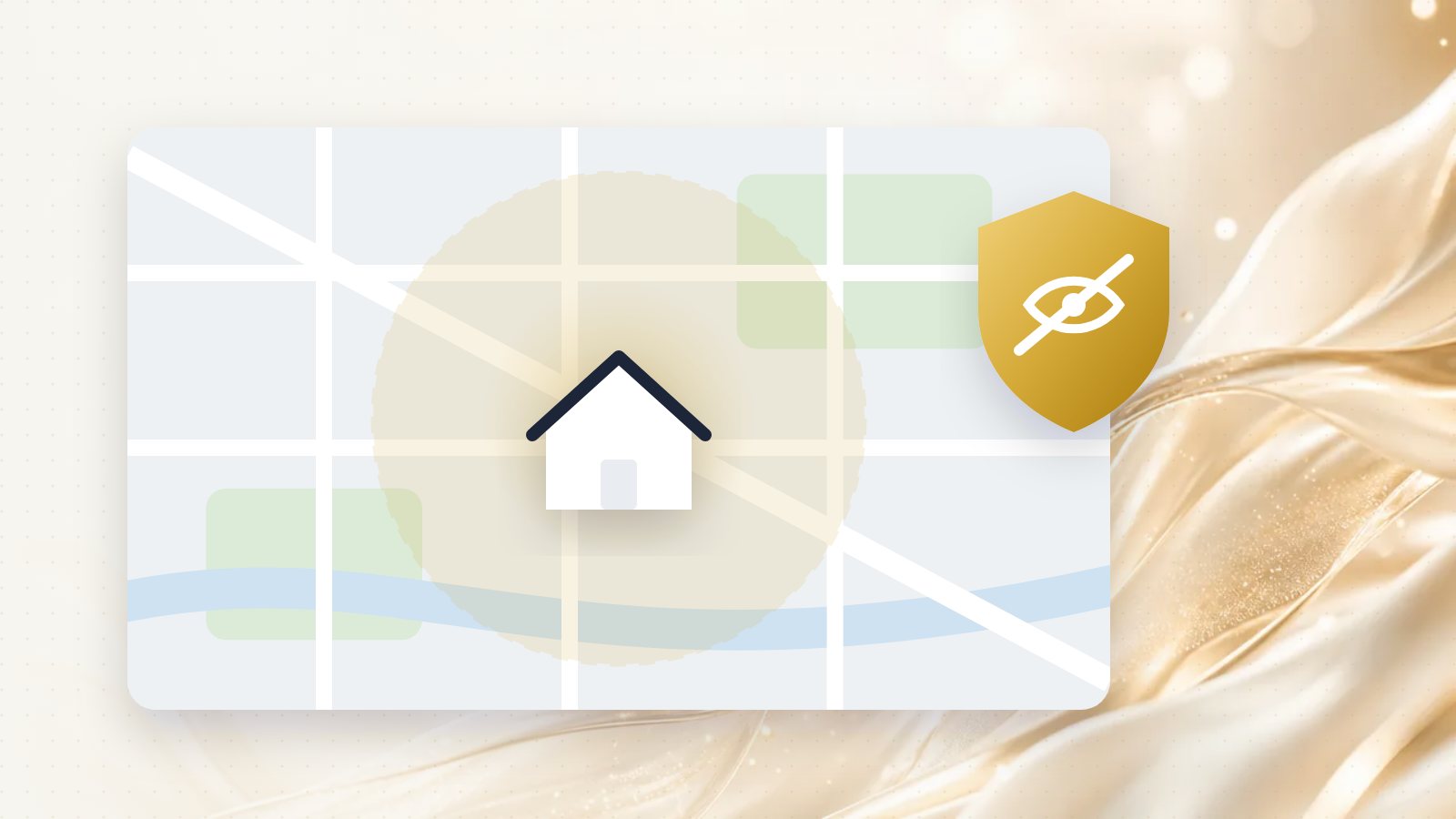
Plumbers, electricians, cleaners, mobile groomers, landscapers, contractors, and anyone else who works at the customer's place often run their business from home. Putting your home address on Google Maps for everyone to see isn't appealing, and for most of these businesses, it isn't required either.
Google has a specific setup for this: the service-area business.
Who can hide their address
Google's address guidance is clear: you should only hide your address if you're a service-area business, meaning you visit or deliver to customers but don't serve customers at your business address.
| Your situation |
What to do |
| You go to customers, and customers never come to you |
Hide your address, set a service area |
| Customers come to you, and you also travel to them |
Show your address and add a service area (a "hybrid" business) |
| Customers only come to you |
Show your address |
A hybrid example: an auto repair shop with a garage that also offers roadside service shows its address and sets a service area.
How to hide your address
In your Business Profile, open the option to edit your profile, go to Location, and turn off showing the business address to customers. Then make sure you've set a service area. Google's service area help page walks through the steps, and the labels may change slightly over time.
You'll still need a real address for verification. Google uses it to confirm your business exists; it just won't show it publicly.
How to set your service area well
Your service area tells Google, and customers, where you work.
- List the cities, towns or neighbourhoods you actually serve. For an Ottawa-area business, that might be Kanata, Stittsville, Nepean, Barrhaven and Orléans rather than just "Ottawa".
- Keep it realistic. Google's guidance says the area generally shouldn't extend beyond about two hours of driving from your base. Listing places you'd never go doesn't help.
- Remember that distance still matters. Google still knows where you're based. You'll usually rank more easily close to home and need more reviews and reputation to compete further away.
Mistakes that cause trouble
Using a virtual office or a mailbox as your address. Google's guidelines don't allow addresses where you aren't actually located. Profiles set up this way are a common target for suspension.
Creating several profiles for one business to cover different towns. A service-area business gets one profile for the whole area it serves.
Showing your address while saying customers can't visit. If customers can't come to you, the address shouldn't be shown.
How to stay findable without an address
Hiding your address doesn't make you invisible, but you need to give Google other clear signals:
- A complete profile: the right primary category, every service you offer, hours and real photos of your work.
- A website with service-area pages: a page for each main area you serve, with real content about the work you do there, not copy-pasted text with the town name swapped.
- Reviews that mention the job and the place, naturally. You can't tell customers what to write, but reviews from across your area help show where you work.
Want to see how you show up across the neighbourhoods you serve? Our free visibility audit checks your map position for your main service and shows what's holding you back.