
MGR Digital Studio
All articles
Reviews4 min read

How to get more Google reviews (without breaking Google's rules)

Reviews help you rank on Google Maps and win the call. Here's how to get a steady flow of genuine reviews, the exact things Google prohibits, and how to reply to bad ones.

Marcos Garcia

Marcos Garcia

MGR Digital Studio · Ottawa

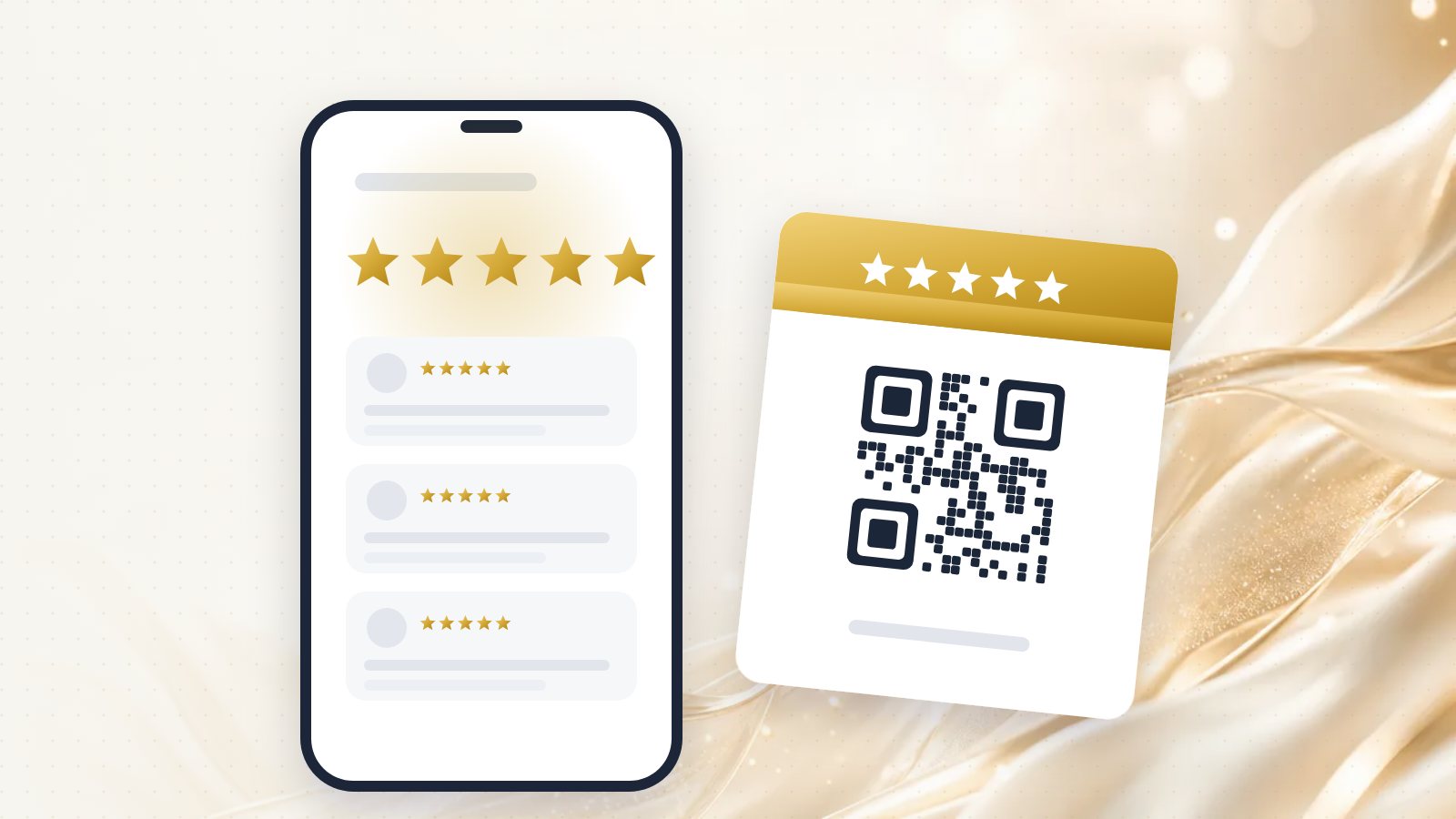
A phone showing a five-star review next to a printed review card with a QR code

Reviews do two jobs at once. They're one of the things Google uses to decide who shows up first on the map, and they're what a stranger reads before deciding whether to call you. Google's own help page on local ranking says more reviews and positive ratings can improve your local ranking.

Most businesses that do good work still have too few reviews. Not because customers are unhappy, but because nobody asked them at the right moment. Here's how to fix that without putting your profile at risk.

The rules first: what Google prohibits

Google's prohibited and restricted content policy is clear about a few things, and breaking them can get reviews removed or your profile restricted.

No incentives. You can't offer payment, discounts, free products or services, contest entries or anything else in exchange for a review. This applies even if you don't ask for a positive review.

No review gating. You can't ask only the customers you think are happy, or send unhappy ones somewhere private while happy ones get the Google link. Google calls this selectively soliciting positive reviews, and it's prohibited.

No fake or bought reviews. No reviews from friends who were never customers, staff posting as customers, or services that sell reviews.

What's allowed: asking every customer for an honest review, making it easy, and replying to the reviews you get.

Sign in to your Google Business Profile and look for the option to ask for reviews or get more reviews. Google gives you a short link that opens the review box directly, and a QR code. Google's tips to get more reviews walk through it.

Turn that link into something customers can scan in two seconds. Our free Google review QR code card maker creates a printable card for your counter, your truck or the invoice you leave behind.

Step 2: ask at the right moment

The best time to ask is right after the customer has seen the result and said something nice about it: the leak is fixed, the haircut looks great, the floor is done.

A simple script that works in person:

"I'm really glad it turned out well. Would you mind leaving us a quick Google review? It makes a big difference for a small business like ours. I'll text you the link."

Then text it while you're still there or within the hour. The longer you wait, the less likely it happens.

Step 3: follow up once, by text or email

For customers you didn't ask in person, send one short message the same day or the next:

"Hi [name], thanks again for choosing us for [job]. If you have a minute, an honest Google review would really help: [link]. Thank you!"

Keep it short, put the link on its own line, and don't follow up more than once. Send it to every customer, not only the ones you think will be happy.
Step 4: make it a system, not a mood

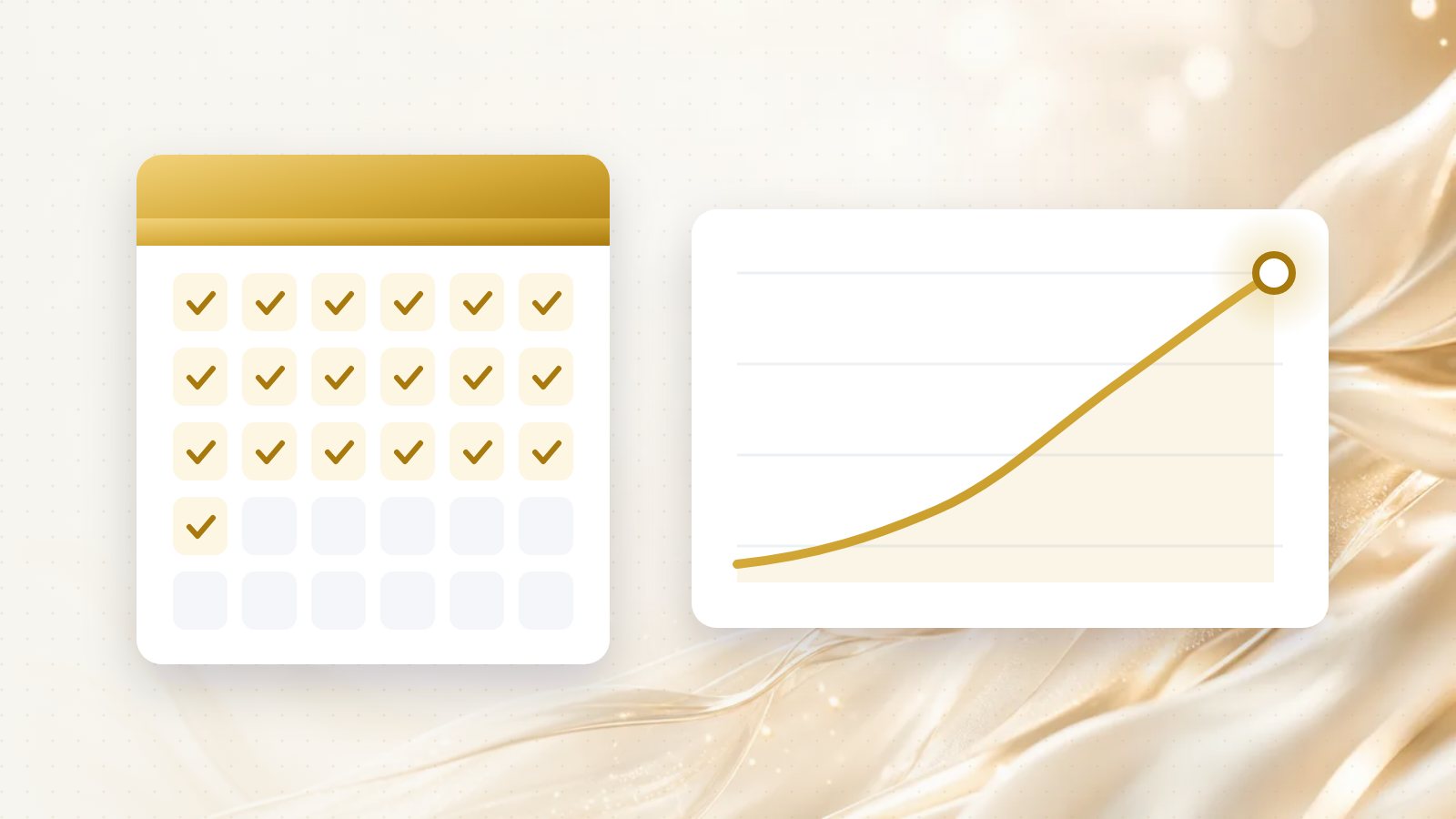
Reviews come from habits, not campaigns. A burst of twenty reviews in one week followed by nothing for a year looks odd to customers and does less than a steady trickle.

  • Add the review request to your end-of-job checklist.
  • Put the QR card wherever customers wait or pay.
  • Add the link to your invoice or receipt emails.
  • Track your count monthly, and compare it with the businesses ranking above you.

Step 5: reply to every review

Replies show future customers that a real person runs the business and cares about the outcome.

For good reviews: thank them by name and mention something specific about the job. "Thanks, Sarah! That bathroom tile was a fun one, enjoy the new floor." A specific reply reads as genuine; a copy-pasted one doesn't.

For bad reviews: don't argue, don't reveal private details, and don't reply when you're angry. Acknowledge the experience, state the facts briefly, and offer to sort it out:

"Hi Mark, I'm sorry the job didn't meet your expectations. That's not the experience we want anyone to have. I'd like to understand what happened and make it right. Please call me directly at [number]."

People reading your reviews judge you more on how you handle the bad one than on the bad one itself.

What about reviews that break the rules?

If a review is spam, from someone who was never a customer, off-topic, or contains hateful or personal content, you can report it to Google. You can't remove reviews simply because they're negative.

A realistic target

There's no magic number. A useful benchmark: look at the three businesses that show up first on the map for your main service, and aim to steadily close the gap in recent reviews. If they each get a few new reviews a month, you need to be doing at least that.

If you'd like this set up for you, including the QR card, an automatic review request after each job, and reply templates in your voice, that's what our Review Growth service does.

Questions people ask

Can I offer a discount in exchange for a Google review?

No. Google's policy prohibits offering payment, discounts or free goods or services in exchange for a review, even if you don't ask for a positive one.

Can I only send review requests to happy customers?

No. Google prohibits selectively soliciting positive reviews and discouraging negative ones. Ask every customer, the same way.

Where do I find my Google review link?

Sign in to your Business Profile and look for the option to ask for reviews or get more reviews. Google gives you a short link and a QR code you can share.

Should I reply to every Google review?

Yes. Thank people for good reviews by mentioning something specific, and reply to negative ones calmly, factually and briefly, offering to resolve it offline.

Can I delete a bad review?

You can't delete reviews yourself. If a review breaks Google's policies, for example it's spam, off-topic or from someone who was never a customer, you can report it for removal.

Find out where you rank — free.

Tell us your business and the area you serve. We'll check Google Maps, regular search and AI answers, then send back what's holding you back and what we'd fix first. Useful whether you hire us or not.